
Existing repositories
A repository made with restic on the command line, by an older backup script, or by another machine, can be added as it is. ResticGUI does not run init on it, and its snapshots stay untouched.
- Choose New repository, then Use an existing one.
- Enter its storage, location and password, as for a new one.
- Next looks at the location. It says how many snapshots are there, and fills in the folders and the host name of the newest one, so that your next backups continue the same series.
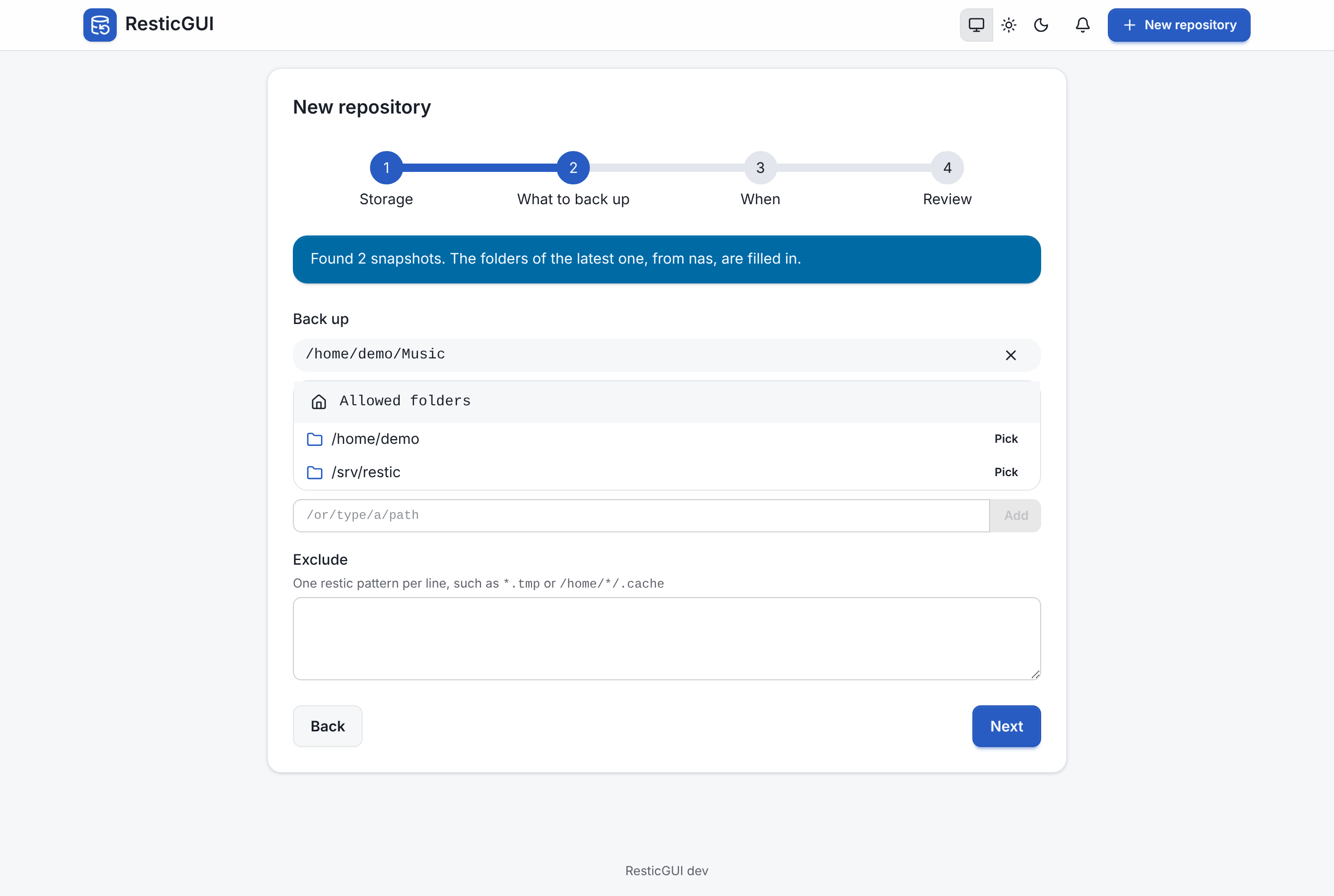
If no repository is there, or the password does not open it, the wizard says so and stays on the first step. The other way round, Create a new repository at a location that already holds one asks you to connect it instead, so that an existing repository is never initialized again.
Once added, the Snapshots tab lists the snapshots that were already there, and you can browse, restore, compare and apply retention as with any other.
Retention and old snapshots
ResticGUI's retention policy only removes the snapshots ResticGUI made, so old snapshots from your scripts stay until you forget them, one by one in the Snapshots tab, or with restic.