
Compare snapshots
Changes, on a snapshot in the Snapshots tab, shows what changed since the snapshot before it, of the same folders. Compared with picks any other snapshot.
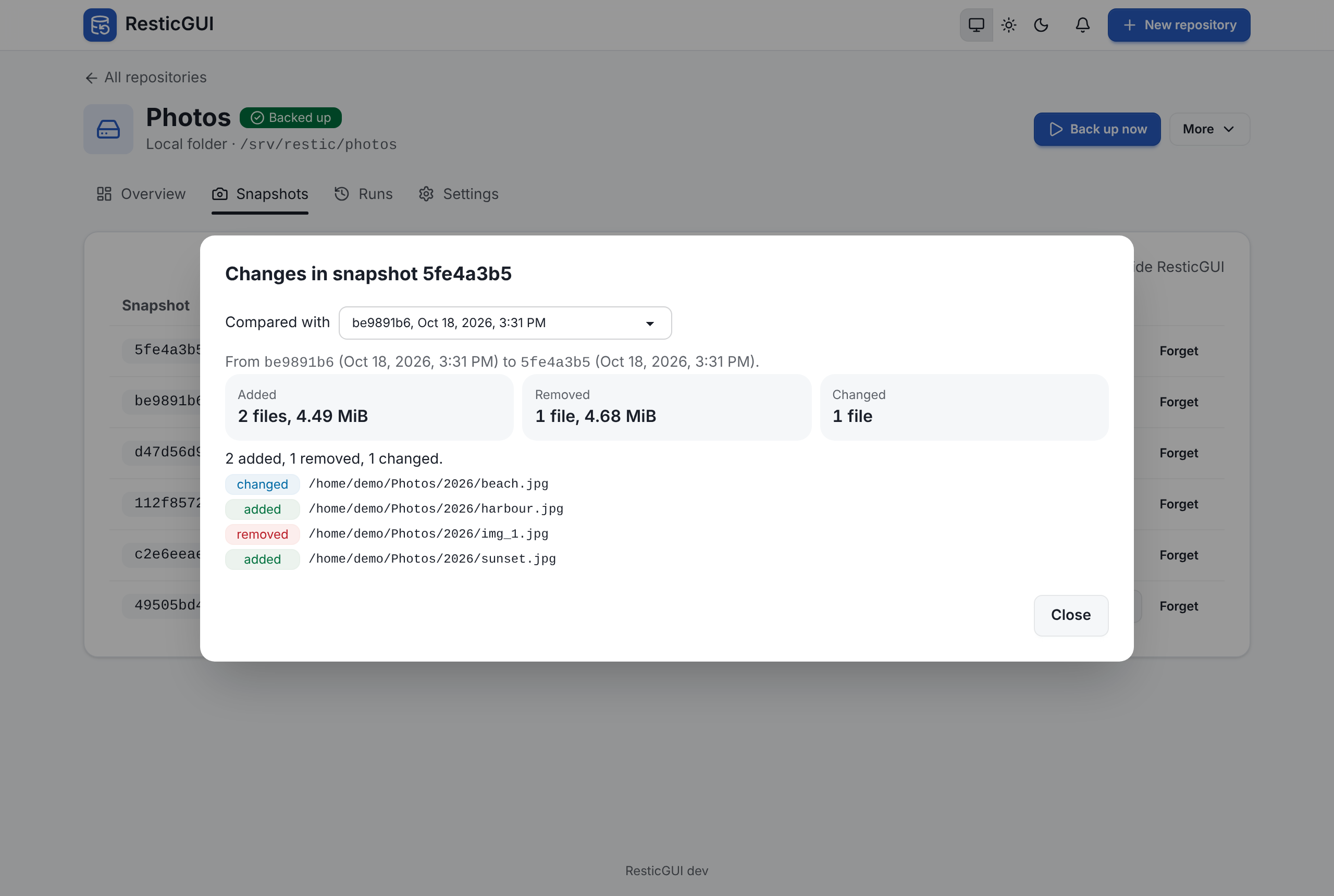
It runs restic diff and shows:
- the files and the data added and removed, and the number of files whose content changed;
- the list of paths, each marked added, removed or changed. A folder added or removed as a whole is one line; a folder whose only change is in its files is left out, as its files are listed.
Use it to check what a backup picked up, find when a file appeared or disappeared, or see why a backup was larger than usual. The list shows the first 500 changes; the counts at the top are always complete.